
Know where your content belongs.
A practical platform and format map for creators and small brands who want to know where their content can actually travel. Backed by research across 95 platforms.
12 content formats. 95 platforms. Each cell colour coded: green indicates a direct format fit, blue means adjust first, red means skip or reformat. Plus a My Channels tracker to map your own ecosystem.
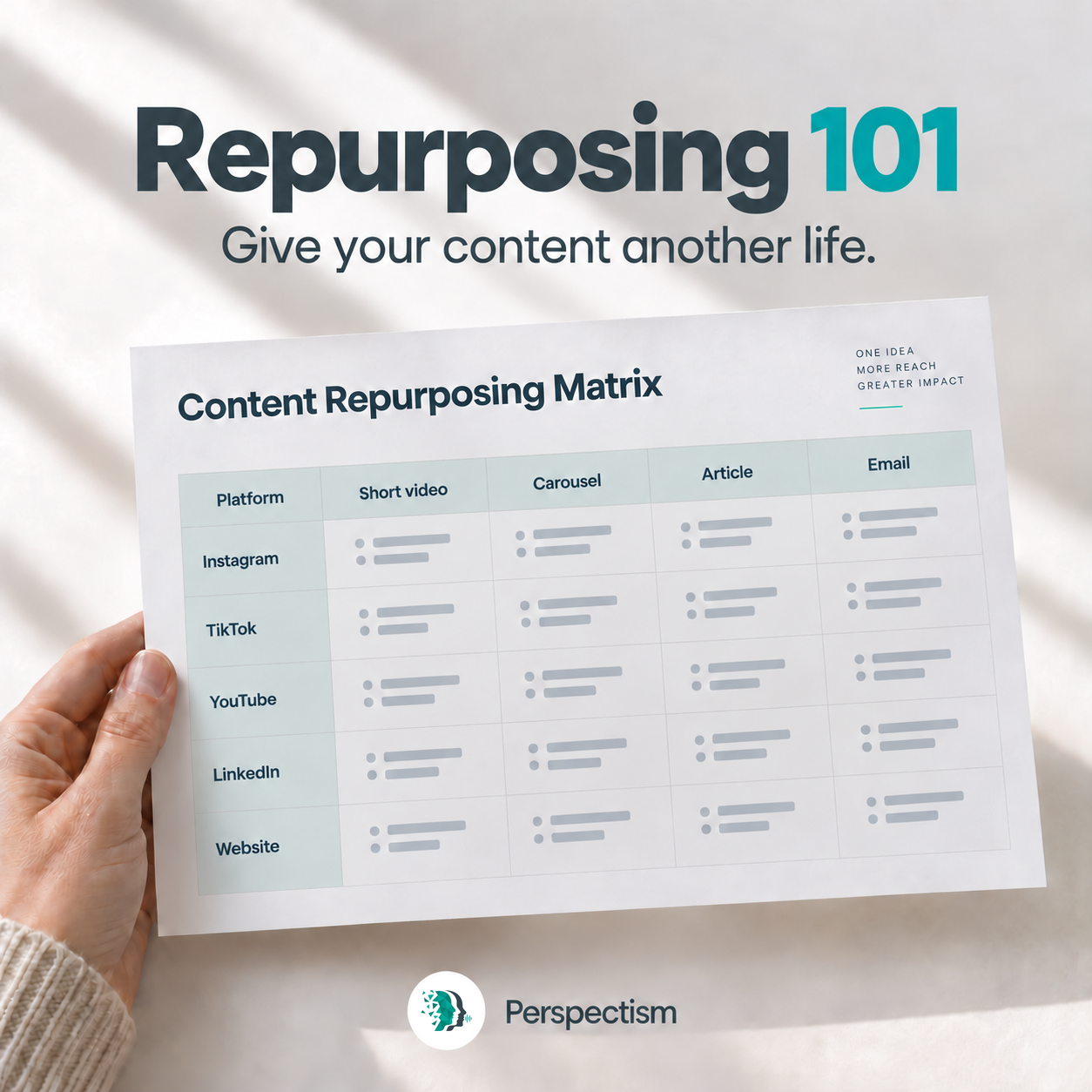
A reference for comparing content formats across platforms, free by email after you confirm your address.
Get it free by emailBranding and content emails, including offers, are optional. Unsubscribe anytime.
Colour system
Green: Fully repurposable
The guide identifies a native format fit. Check current platform requirements before posting.
Blue: Partially repurposable
Supported with limitations. May need adjustments to length, ratio, or upload method.
Red: Not repurposable
The platform does not support that format or requires a full reformat.
A platform and format map for repurposing decisions.
Repurposing 101 maps 95 platforms across 12 content formats: Text Post, Stories, Articles, Long-Form Video, Short-Form Video, Image, Carousel, Poll, Groups, GIF, Livestream, and Audio.
The colour-coded cells help you plan what to reuse, adjust or reformat. Check current platform requirements, account eligibility and content rights before publishing.
The guide also includes a My Channels tab, a pre-filled tracker to log every platform you are active on, with columns for handle, bio, follower count, and 30-day metrics. Perspectism’s own channels are pre-filled as a reference.
Built for distribution decisions.
Not a posting tool.
Who this is most useful for.
Creator-founders already publishing somewhere and unsure where else their content fits
Solo operators with limited time who want to make better distribution decisions
Small content-led brands looking for a distribution decision framework
Anyone who has heard "repurpose content for social media" but never had a clear map for doing it well
See the method applied to a real brand.
Perspectism is building Proudctive from scratch in public using the same method behind this guide. Selected decisions documented as they happen.
See it in actionGet Repurposing 101 free.
95 platforms. 12 formats. Free by email. Branding and content emails, including Brand Build OS offers, are optional. Unsubscribe any time.
Get it free